If you run a business that serves customers in a specific area, your Google listing is often the first thing a buyer sees, before your website, before your ads and before your reviews anywhere else. Google My Business, now called Google Business Profile, is the free tool that controls that listing. Optimizing it well is one of the highest-return marketing tasks a local business can do, and it is where many competitors are still careless.
This guide covers the six fundamentals from our original article, updated for how local search works in 2026, plus the mistakes we see most often when we audit profiles.
Google My Business vs Google Business Profile: what changed
Google renamed Google My Business to Google Business Profile and moved most of the management into Google Search and Maps themselves. The standalone app was retired, and you now edit your profile by searching for your business while signed in, or through the Maps app. The core principles have not changed: Google ranks local listings on relevance (how well your profile matches the search), distance (how close you are to the searcher) and prominence (how well known and trusted your business is). What has changed is that more searches now show AI-generated answers and richer map results, which pull directly from your profile and reviews. An accurate, complete profile matters more, not less.
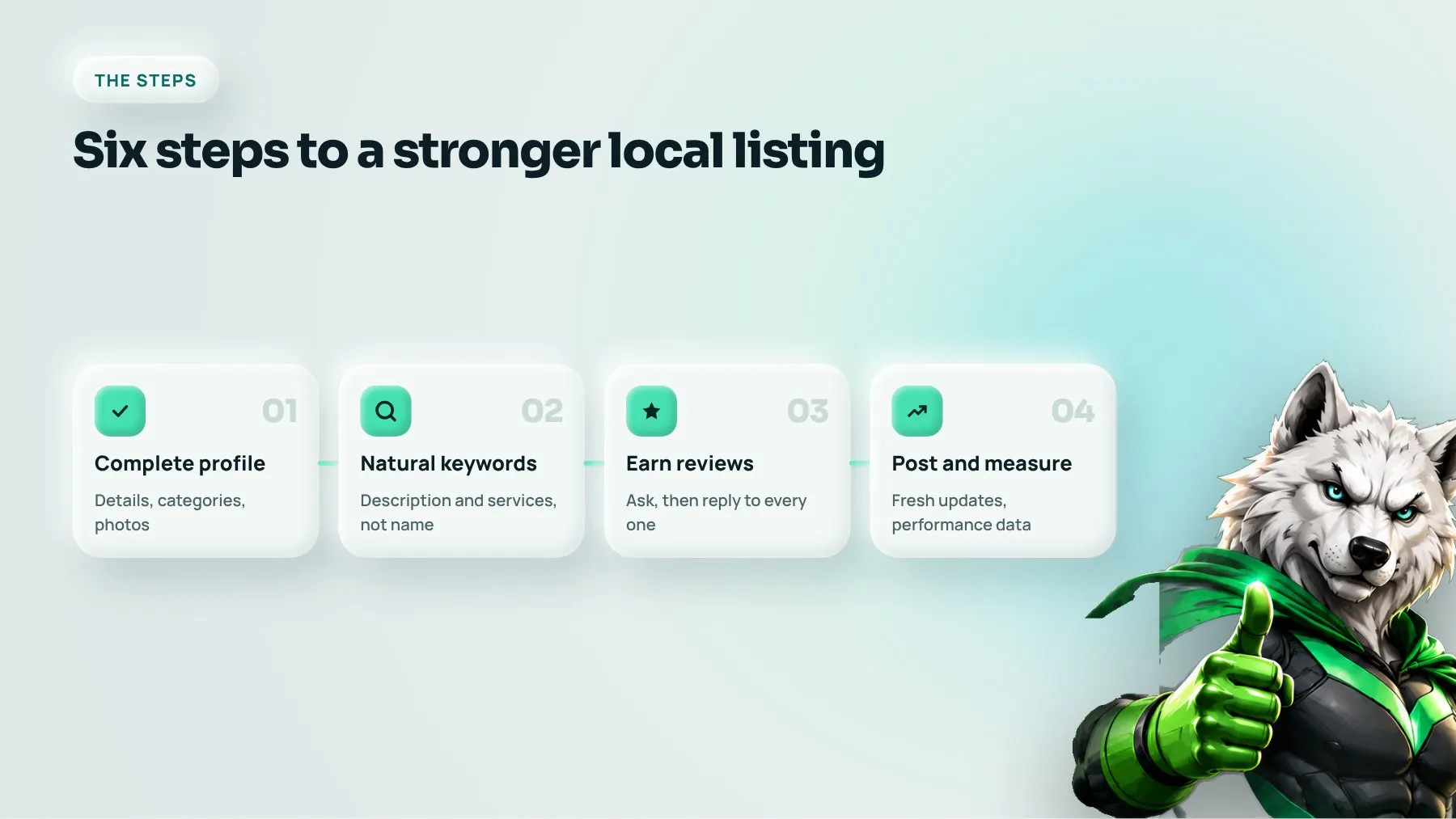
Step 1: Complete every part of your profile
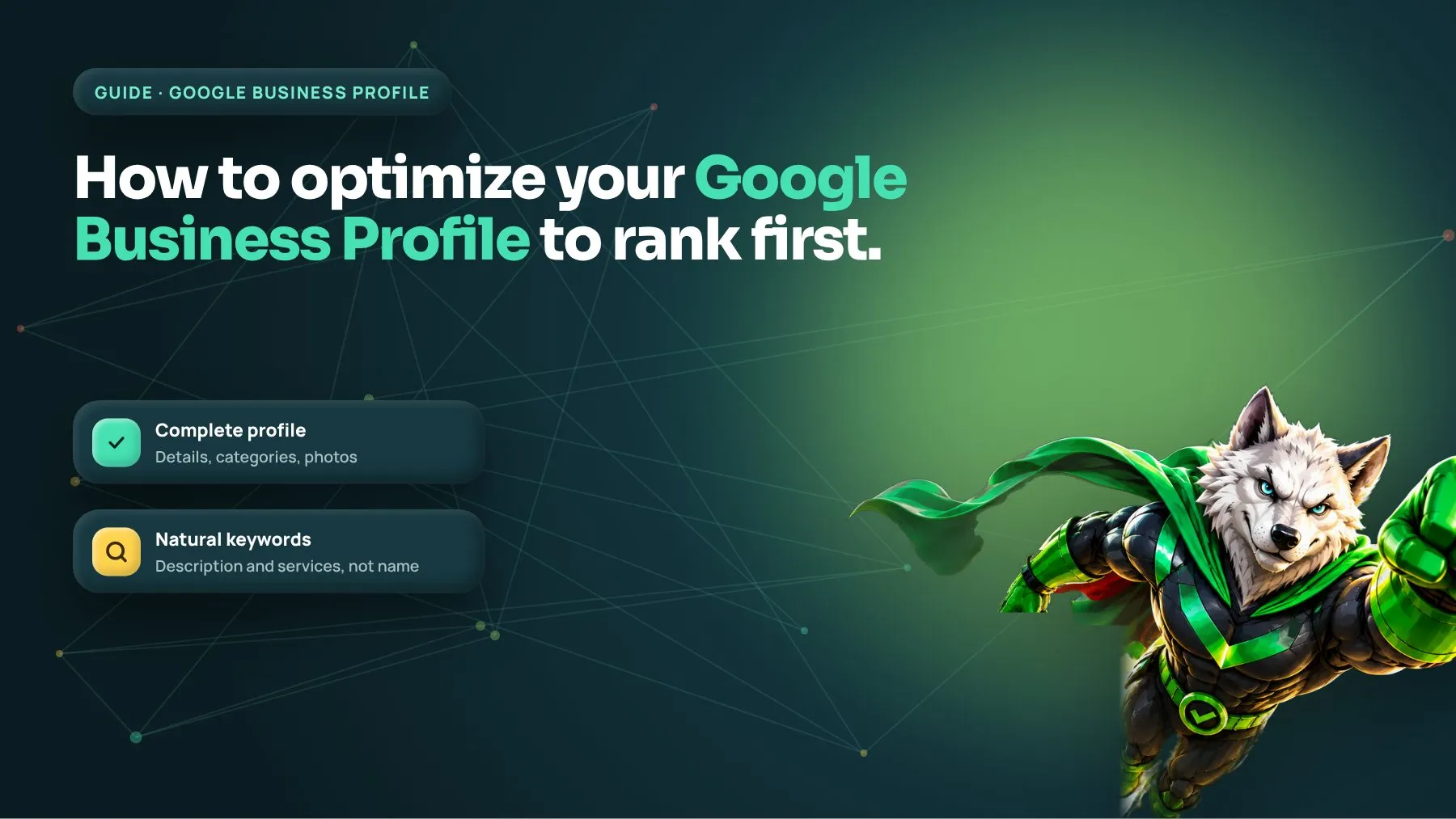
A fully completed profile gives Google more information to match you to searches, and gives customers more reasons to choose you.
The essentials
- Business name: use your real-world business name exactly as it appears on your signage and documents.
- Address or service area: a storefront shows its address; a business that visits customers sets a service area instead.
- Phone number: a local number that is answered during business hours.
- Hours: including special hours for holidays. Wrong hours are one of the fastest ways to lose trust.
- Website link: point it to the most relevant page, often a location page rather than the homepage.
Categories, services and attributes
Your primary category is one of the strongest relevance signals on the whole profile. Choose the most specific category that describes your core business, then add secondary categories for other services you genuinely offer. Fill in the services or products section and relevant attributes, such as accessibility, booking options or languages spoken.
Description, photos and videos
Write a clear description of what you do, who you serve and what makes you different. Add real photos of your premises, team and work, and short videos where they help. Profiles with recent, genuine photos tend to look more active and trustworthy than those using stock images.
Step 2: Use keywords naturally
Include the words customers use when searching for your services in your description, services list, and posts. Our original advice said to include keywords in your business name as well. We now advise against adding keywords that are not part of your legal or trading name. It breaches Google’s guidelines, it can lead to suspension, and competitors can report it. If a keyword is genuinely part of your registered business name, that is fine; otherwise keep it in the description and services.
Step 3: Earn reviews and respond to them
Positive reviews from customers help your ranking and, just as importantly, your conversion rate. People compare star ratings and read recent reviews before calling.
- Ask every satisfied customer, at the moment they are happiest, with a direct review link.
- Make it easy: a short link by text or email, or a QR code at the point of service.
- Respond to every review, positive or negative, politely and specifically.
- Never buy reviews, offer incentives for them or gate them. Google removes them and can restrict your profile.
Step 4: Monitor your listing
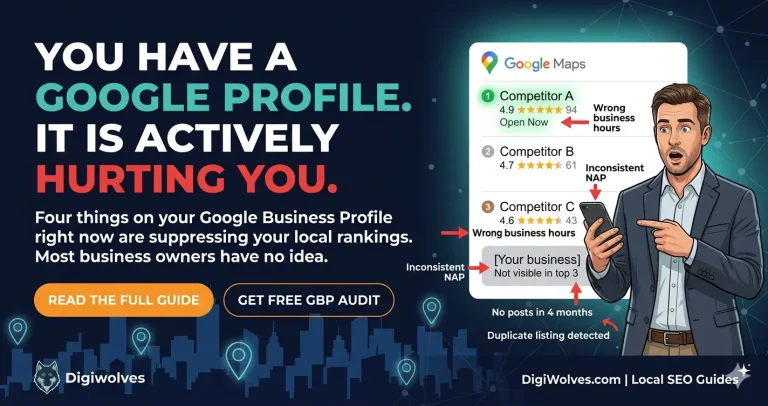
Anyone can suggest edits to your profile, and Google sometimes applies them automatically. Check your profile regularly to make sure the name, hours, categories and contact details are still correct. Answer questions customers ask on your profile, and review any updates Google flags for your approval.
Step 5: Post updates regularly
The posts feature lets you share news, offers, events and new products or services directly on your profile. Posts keep the listing fresh and give customers a reason to choose you now. Use a clear image, a short message and a call to action button, such as call, book or learn more. Seasonal offers and answers to common questions both work well.
Step 6: Use the performance data
What used to be called Google My Business Insights now appears as the performance section of your profile. It shows how people find you, the searches that triggered your listing, and the actions they take: calls, website clicks, direction requests and messages. Use it to see which searches you appear for, whether calls and direction requests are rising, and whether changes you make are having an effect. Tag your website link with tracking parameters so you can see profile traffic separately in analytics.
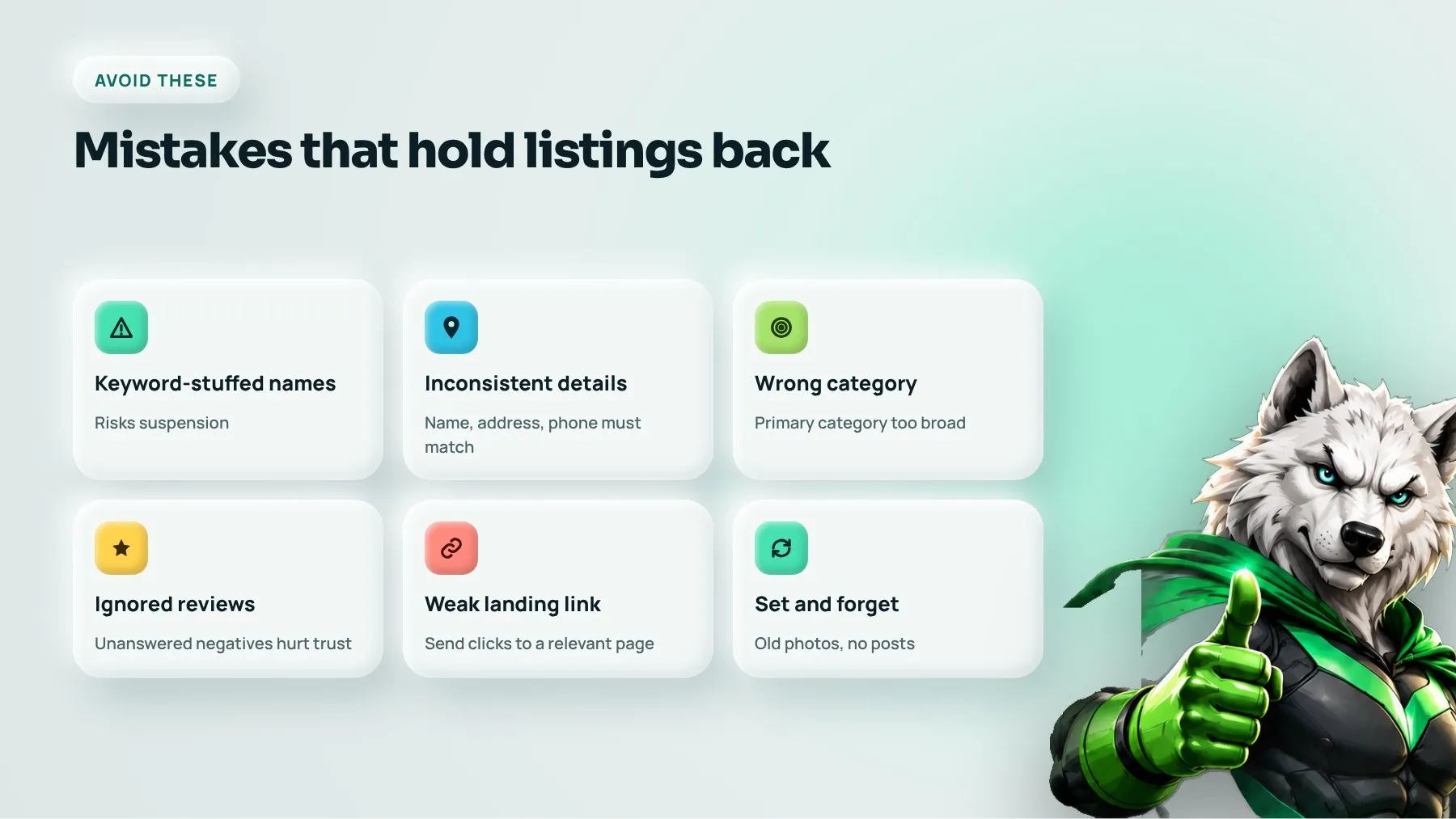
Common mistakes that hold listings back
- Keyword-stuffed business names that risk suspension.
- Inconsistent name, address and phone details across your website and directories.
- The wrong primary category, often too broad.
- Ignoring reviews, especially negative ones that go unanswered.
- A link to a weak homepage instead of a relevant, fast landing page.
- Set-and-forget profiles with old photos and no posts.
How your profile fits into local SEO
Your profile does not rank on its own. Google also looks at your website’s local relevance, consistent business details across the web, links from local sources, and overall reputation. A strong SEO strategy supports your profile with location pages, local content and consistent citations. As AI answers increasingly summarize local options, clear, consistent information also helps you appear in AI Overviews and similar results.
FAQ
How long does it take for Google Business Profile changes to affect rankings?
Simple fixes such as categories and accurate details can affect visibility within weeks. Reviews and wider local SEO improvements build over several months. Consistency matters more than any single change.
Can I rank in the map pack without a physical address?
Yes. Service-area businesses can hide their address and set the areas they serve. Rankings still depend on relevance, distance and prominence, so reviews and a strong website remain important.
How often should I post on my profile?
Regularly enough that the profile always looks active, ideally whenever you have a genuine update, offer or answer to share. Quality and relevance matter more than frequency.
Want your business at the top of local search? See our SEO services or book a strategy call.