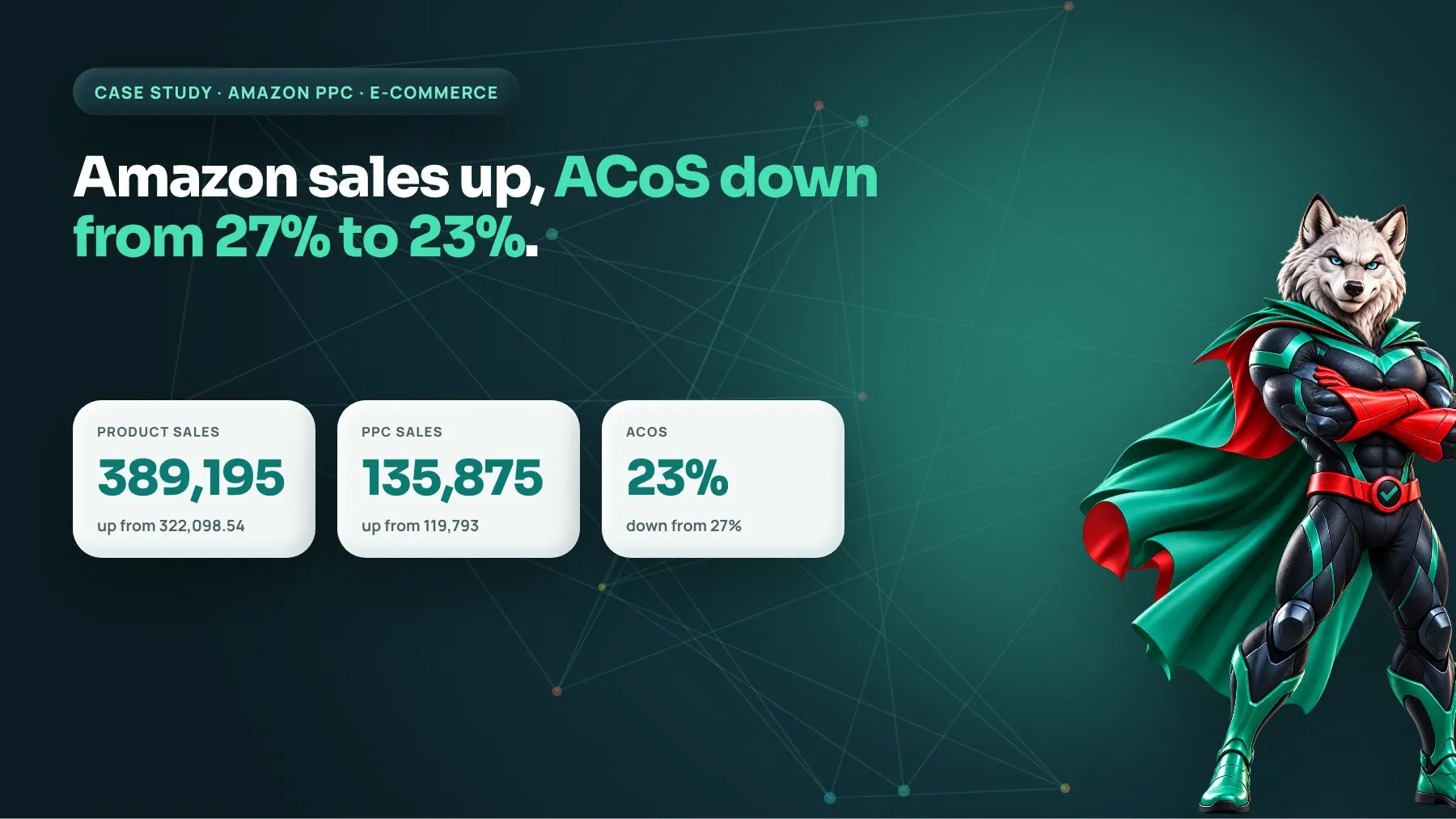
An established Amazon seller came to us wanting more sales without letting advertising costs run away from them. Over a 90-day period, total product sales rose from 322,098.54 to 389,195.00, PPC sales grew from 119,793 to 135,875, and advertising cost of sales (ACoS) dropped from 27% to 23%. In short: more revenue, from more efficient ad spend.
At a glance
- Client: Amazon seller (e-commerce)
- Service: Amazon PPC management and keyword strategy
- Timeframe: 90 days
- Key results: Product sales from 322,098.54 to 389,195.00; PPC sales from 119,793 to 135,875; ACoS reduced from 27% to 23%
The challenge: growth that was getting expensive
This seller was not starting from zero. They already had meaningful sales and an active advertising program. That is often the harder position to be in. When an Amazon account is already doing well, the easy wins have been taken, and the natural next step most sellers reach for is “spend more.” The problem is that extra ad spend on Amazon rarely scales in a straight line. Each additional dollar tends to go to less relevant searches, higher bids and weaker placements, so ACoS creeps up and margin quietly erodes.
An ACoS of 27% means that for every dollar of sales the ads generated, 27 cents went straight back to Amazon in ad costs. For many product categories, once you add Amazon referral fees, FBA fees, product cost and returns, that does not leave much room. The seller’s real question was not “how do we get more sales?” but “how do we get more sales that are actually profitable?”
That framing shaped everything we did. The goal was to make the existing budget work harder before asking it to work bigger.
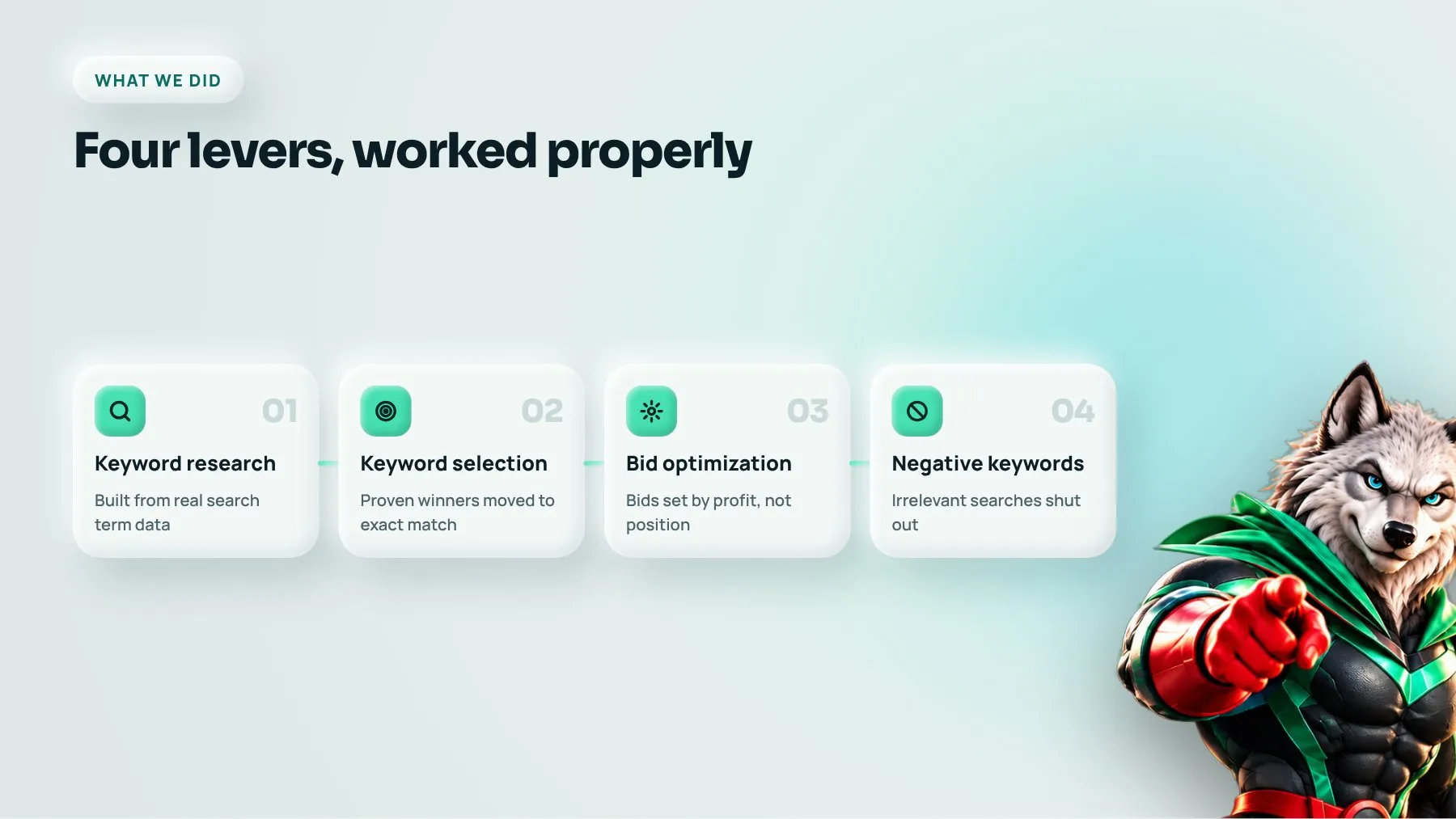
What we did: four levers, worked properly
The work came down to four disciplines: keyword research, keyword selection, bid optimization and negative keywords. None of these is exotic. What makes the difference on Amazon is how rigorously they are done and how often they are revisited.
Keyword research built from real search data
Amazon is a buying engine, not a research engine. Shoppers type what they want, often with very specific modifiers: size, material, quantity, use case, compatibility. Good keyword research for Amazon starts with the account’s own search term reports, because those show the exact phrases real shoppers used before they bought or bounced.
We combined that data with competitor listing analysis and Amazon’s own search suggestions to build a full map of how customers describe the products. We grouped terms into themes: core product terms, feature and benefit terms, use-case terms, and competitor or category terms. This gave us a clear picture of where demand sat and which terms were already proven converters.
Keyword selection: fewer, better targets
Research produces a long list. Selection is where money is saved. We sorted terms by relevance and evidence. Terms that had already produced orders at a healthy ACoS were moved into exact-match campaigns so we could control their bids precisely. Promising terms with limited data stayed in phrase or broad match, where they could keep gathering evidence. Terms that were loosely related but expensive were deprioritized.
This structure matters. When every keyword sits in one broad campaign, Amazon decides where your money goes. When proven winners are isolated in their own campaigns, you decide.
Bid optimization based on profit, not position
Many sellers bid to rank first for everything. That is a fast way to raise ACoS. We set bids according to each keyword’s actual performance: its conversion rate, its average order value and the target ACoS the seller could afford.
High-converting exact-match terms got the bids they deserved, including placement adjustments where top-of-search placements were clearly paying off. Terms that were spending without converting had bids reduced step by step rather than switched off overnight, so we did not lose volume that was close to profitable. We reviewed bids on a regular schedule, because Amazon auctions shift with seasonality, competitor activity and stock levels.
Negative keywords to stop the leaks
Negative keywords are the least glamorous part of Amazon advertising and usually the most profitable. Broad and auto campaigns will happily spend on searches that look related but never buy: the wrong size, a different product type, a cheaper alternative, or searches for accessories rather than the product itself.
We went through the search term reports and added negative exact and negative phrase terms for every clearly irrelevant or repeatedly non-converting search. We also used negatives to stop campaigns competing with each other, so a term that had graduated to an exact-match campaign was negated in the broad campaign it came from. That keeps data clean and stops you bidding against yourself.
The results: more sales at a lower cost of sale
Over the 90-day period:
- Total product sales increased from 322,098.54 to 389,195.00.
- PPC sales increased from 119,793 to 135,875.
- ACoS was reduced from 27% to 23%.
The combination is what matters. Growing sales while ACoS rises is easy; you simply pay for it. Cutting ACoS while sales fall is also easy; you simply stop advertising. Achieving both at once means the advertising was redirected toward shoppers who were more likely to buy, and away from searches that only cost money.
It is also worth noticing that total sales grew alongside ad sales. On Amazon, advertising and organic ranking feed each other. Ad-driven sales on the right keywords improve a product’s sales velocity for those searches, which supports organic visibility. That is why efficient PPC can lift the whole account, not just the ads line.
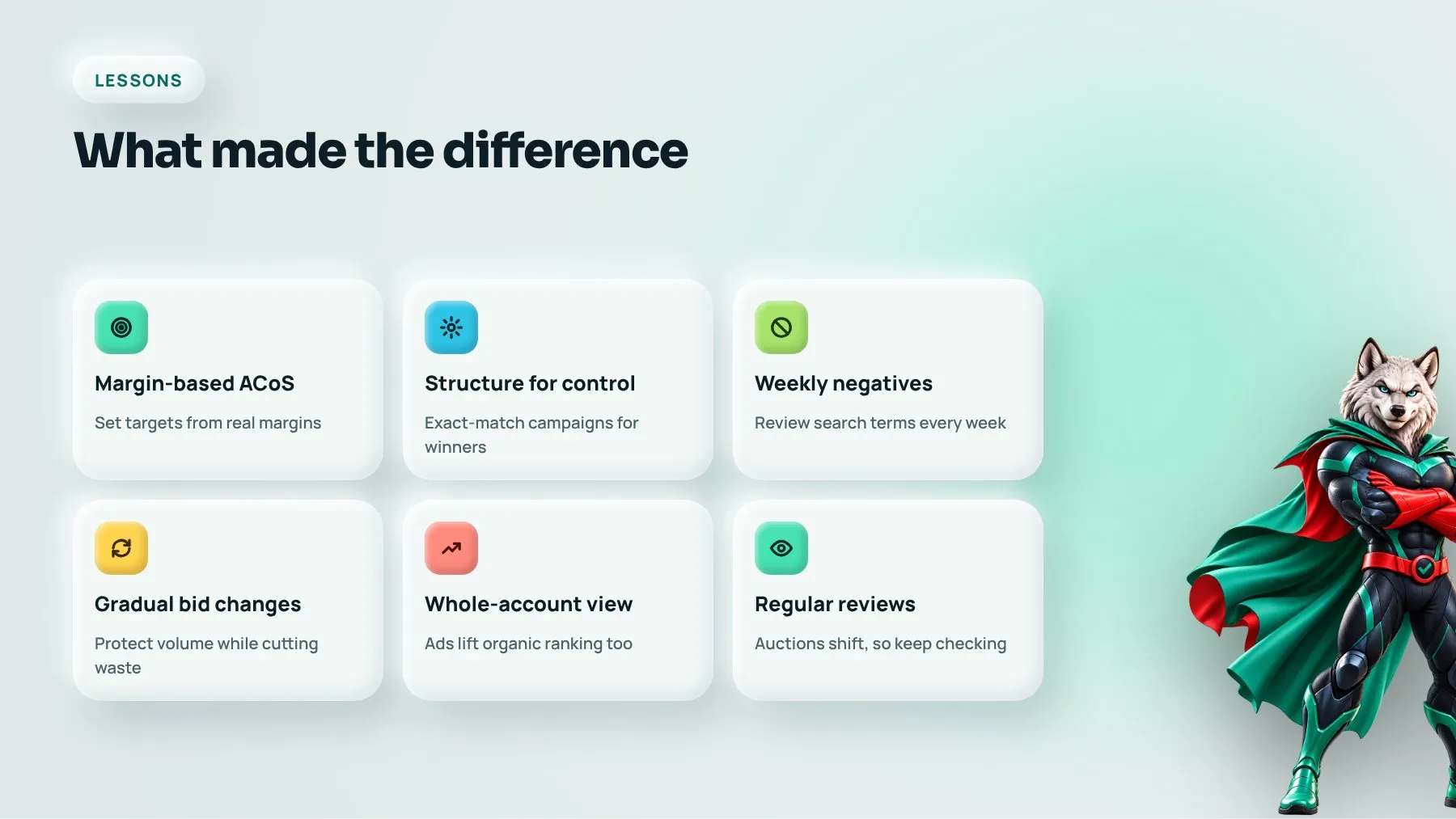
What made the difference: lessons for Amazon sellers
1. Treat ACoS as a business metric, not an ad metric
Your target ACoS should come from your margins. Work out what you can afford to spend per sale and still make money, then manage the account to that number.
2. Structure decides control
Separating proven keywords into exact-match campaigns lets you bid with precision. A single catch-all campaign hands the decisions to the algorithm.
3. Negative keywords are a weekly job
Search term reports change constantly. The sellers who stay efficient are the ones who review them often and act on what they find.
4. Adjust bids gradually
Sharp bid cuts can kill terms that were nearly profitable. Step changes, reviewed against fresh data, protect volume while improving efficiency.
5. Look at total sales, not just ad sales
Good PPC supports organic ranking. Judge the program by its effect on the whole account.
How to apply this to your Amazon business
- Calculate your break-even ACoS from your real margins before changing anything.
- Download the last 60 to 90 days of search term reports and highlight terms with orders.
- Move proven converters into exact-match campaigns with their own bids.
- Add negatives for irrelevant and repeatedly non-converting searches, and negate graduated terms in their source campaigns.
- Set a fixed review rhythm for bids and search terms, at least weekly for active accounts.
- Track total sales and organic rank alongside ad metrics.
FAQ
What is a good ACoS on Amazon?
There is no universal number. A good ACoS is one that leaves you a profit after product cost and Amazon fees, and that depends on your margins. Some sellers accept a higher ACoS on launch products to build ranking, then bring it down once the product is established.
How long does it take to see results from Amazon PPC optimization?
Most accounts show clear movement within the first one to three months, because Amazon data builds quickly. The first weeks usually go on restructuring and cleaning up waste; the gains then compound as bids and keywords are refined.
Should I manage Amazon ads myself or hire an agency?
If you have the time to review search term reports and bids every week, you can make good progress yourself. Sellers with larger catalogs or significant spend usually benefit from specialists who do this daily and can also connect ads to listing quality, A+ content and inventory planning.
Want the same discipline applied to your Amazon account? See our Amazon marketing services, browse more case studies or book a strategy call.